
How to use Video DownloadHelper
This is the flow in the order you will actually do it — from installing to getting a finished video file — with the small things that trip people up.
1 · Install and pin it
Add it from your browser’s store (see the install page), then pin the icon so you can see its status at a glance. A grey icon means “nothing detected yet”; a coloured one means there is something to grab.
2 · Start playback before you look
This is the number-one miss. The extension captures streams as the page requests them, so if you open the list before pressing play you will often see nothing. Play the video, let it buffer a few seconds, then click the icon.
3 · Choose a quality and download
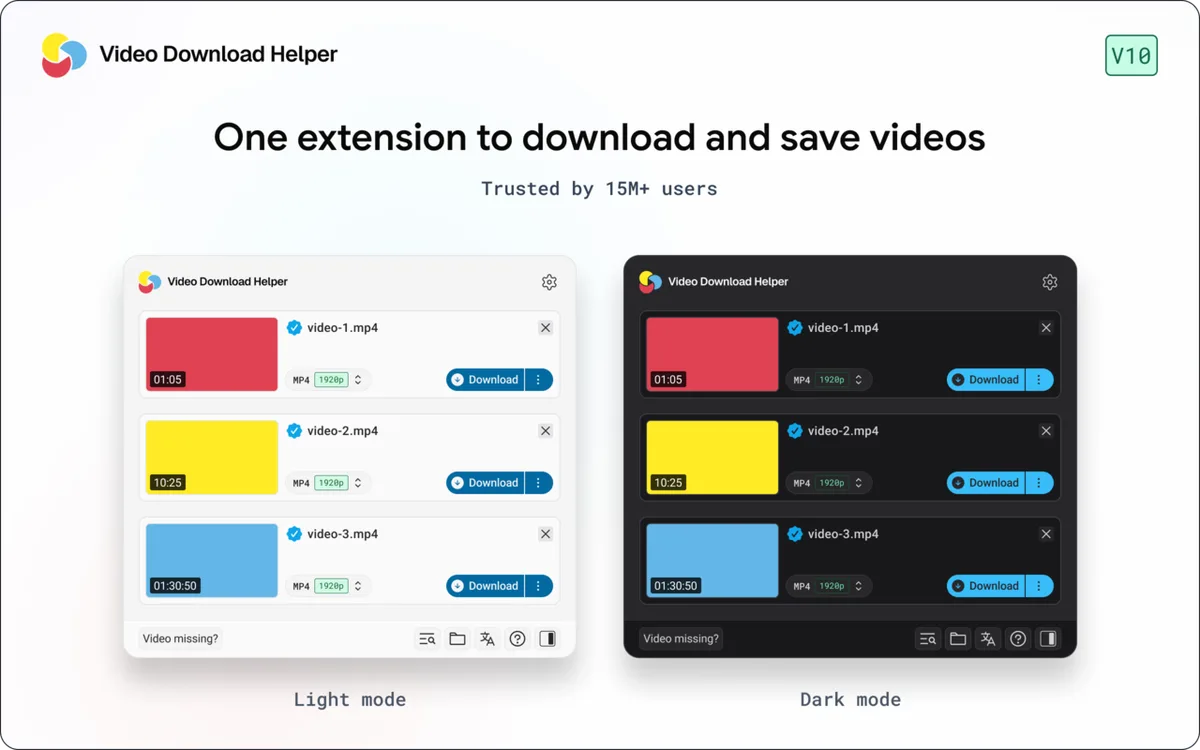
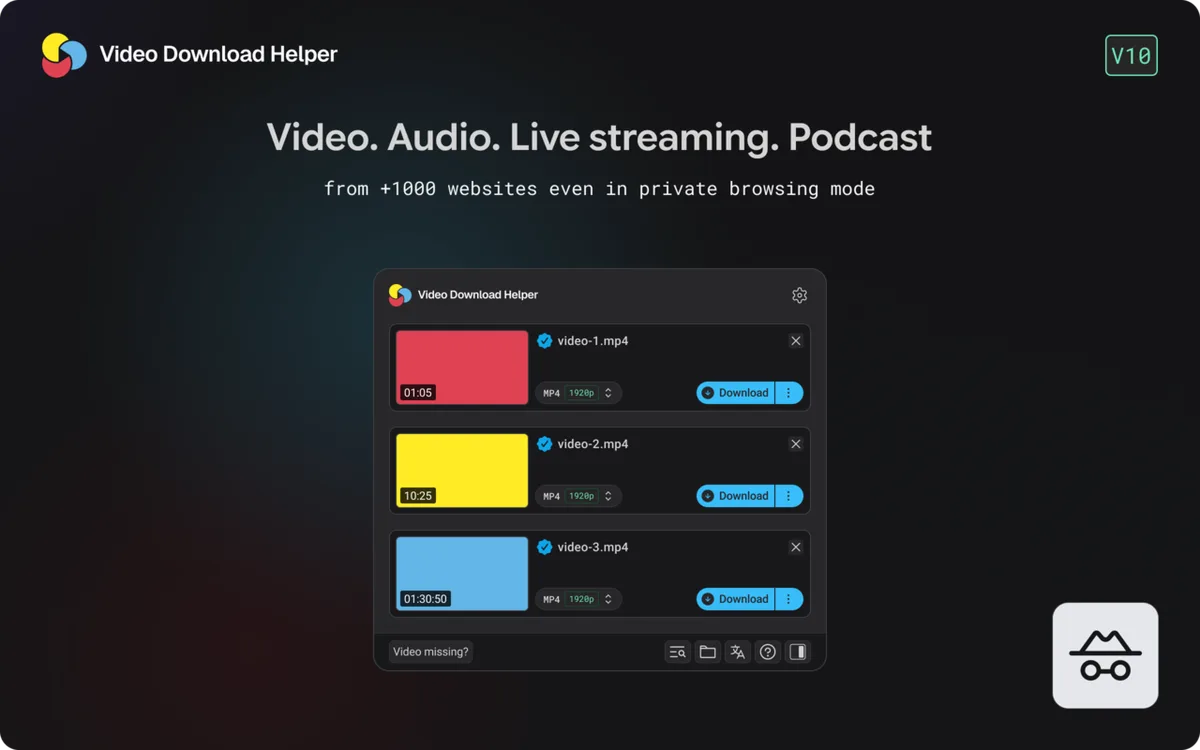
The list shows the streams it found, usually grouped by resolution. Pick one and download. Simple progressive files save straight away. Adaptive streams may show multiple entries (video and audio separately).
4 · Let the companion app do the heavy lifting
HLS (.m3u8) and DASH (.mpd) are delivered in small segments. To turn them into one .mp4, the extension hands the merge to the developer’s free companion application. If prompted to install or open it, that is the normal official path. Converting large files is what Premium speeds up.
5 · Find the result
Finished files land in your browser’s default download folder. Use the save-location guide or the Download Folder Finder for the exact path on your system.